



How to Order
-
 Select your machinesBrowse our inventory and click "ADD MY LIST" for each machine you are interested in.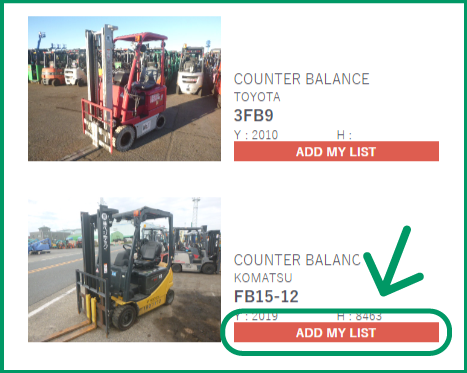
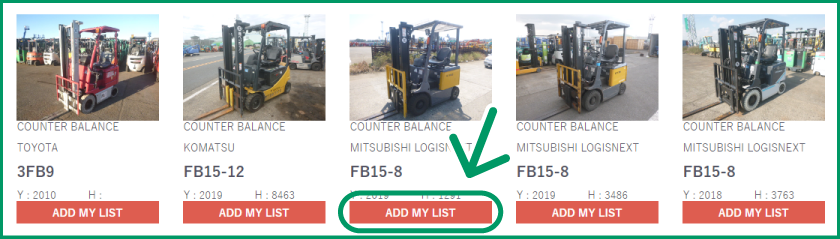
-
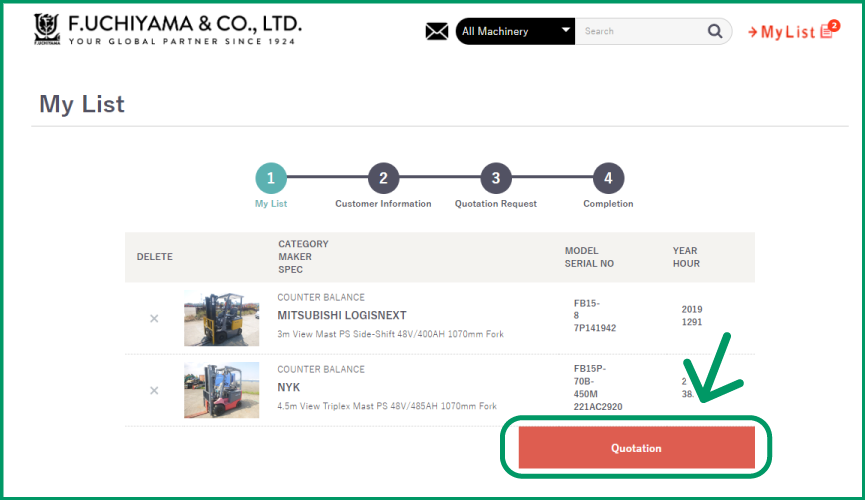
 Request a QuotationClick "My List" in the upper-right corner of the page to review the machines you have selected.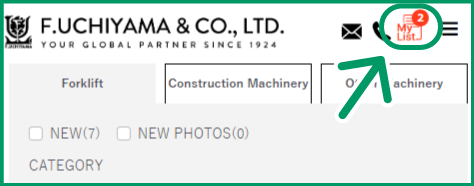
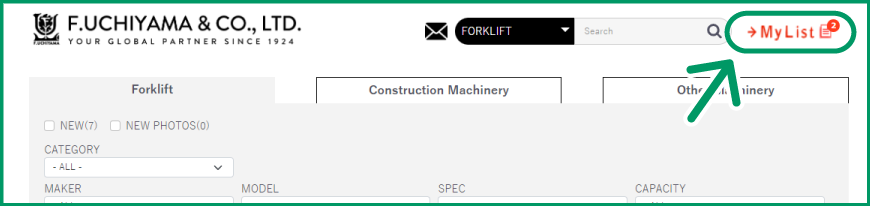 To remove a machine from your list, click the × icon. When you are ready, click "QUOTATION" to proceed to the quotation request page.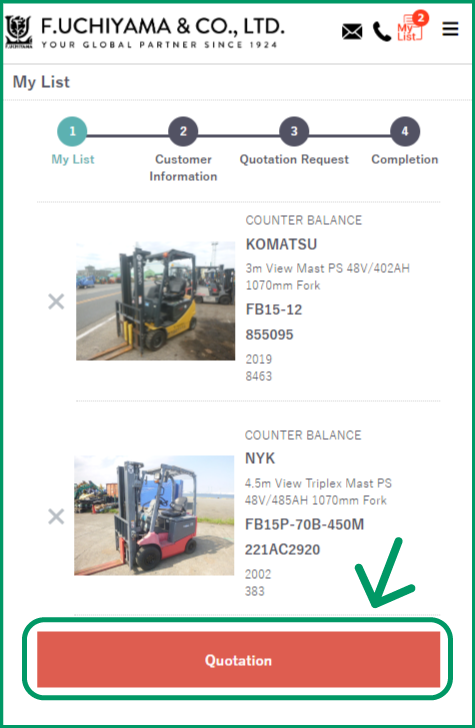
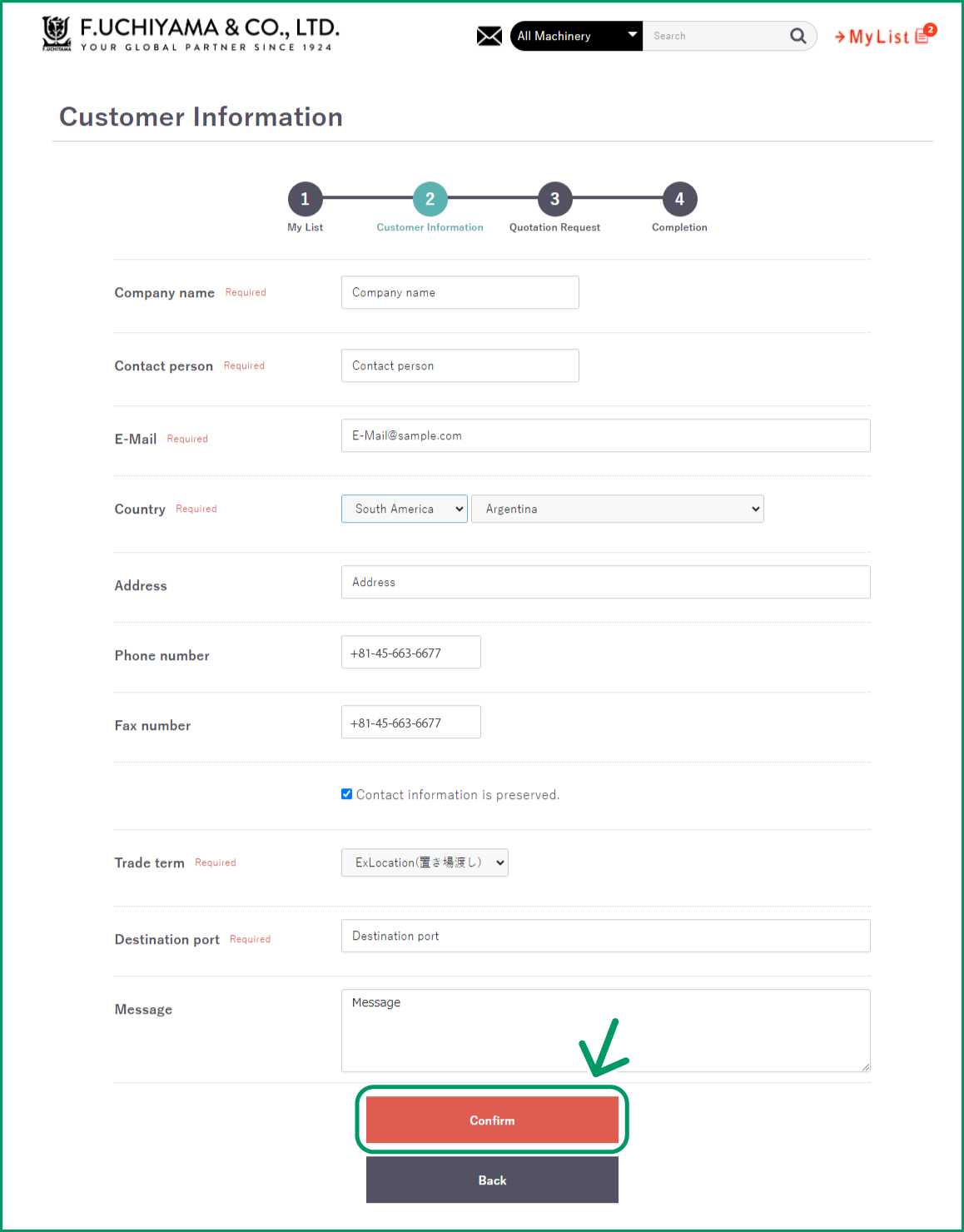
 Complete your contact information, agree to the Terms and Conditions, and click "Confirm."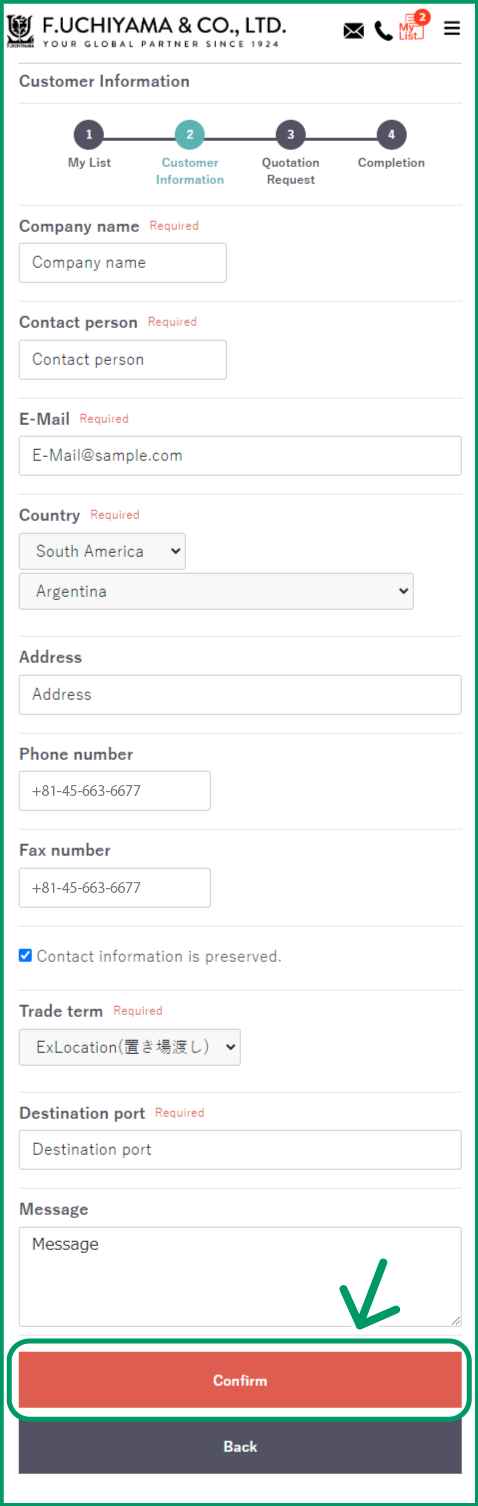
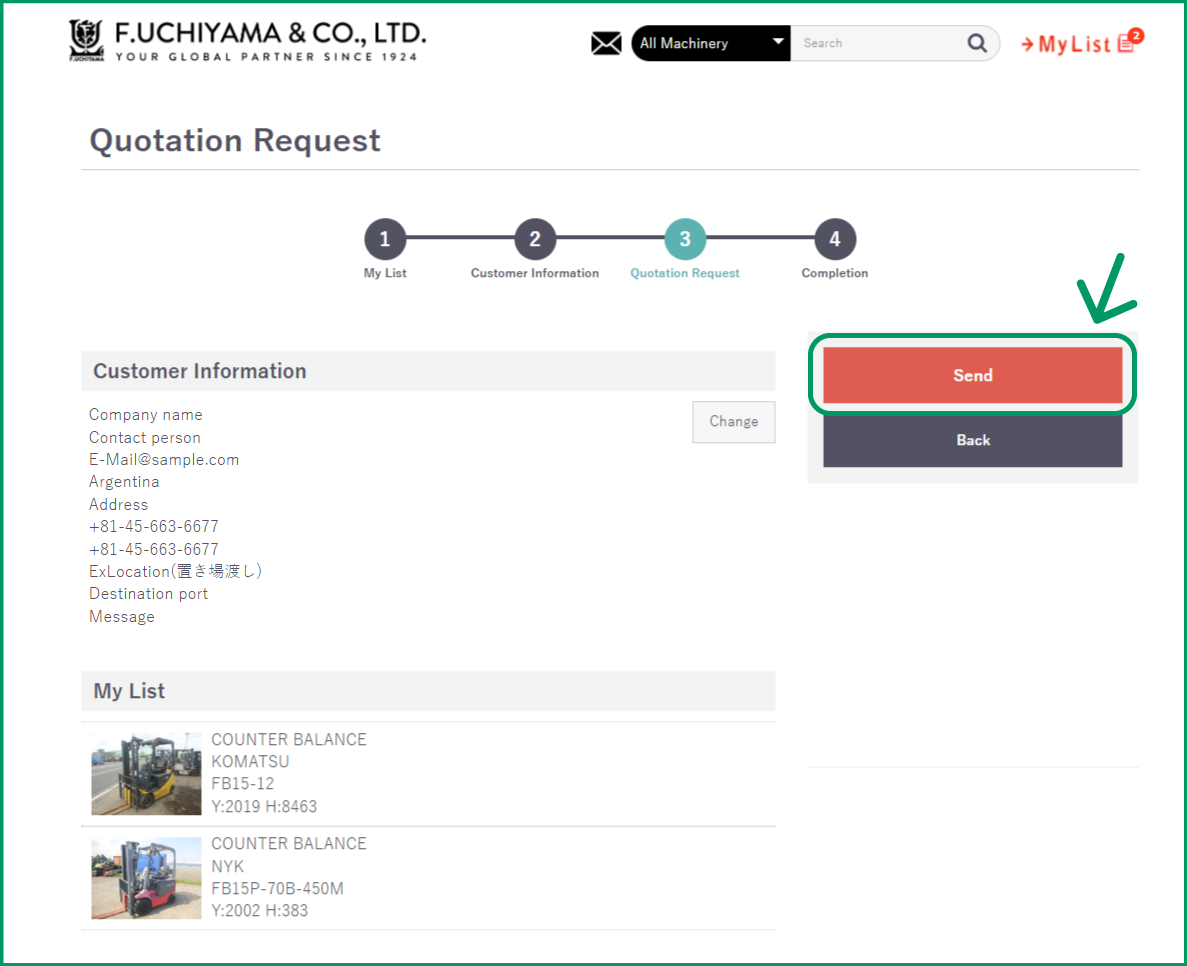
 Review your information, then click "SEND" to submit your request.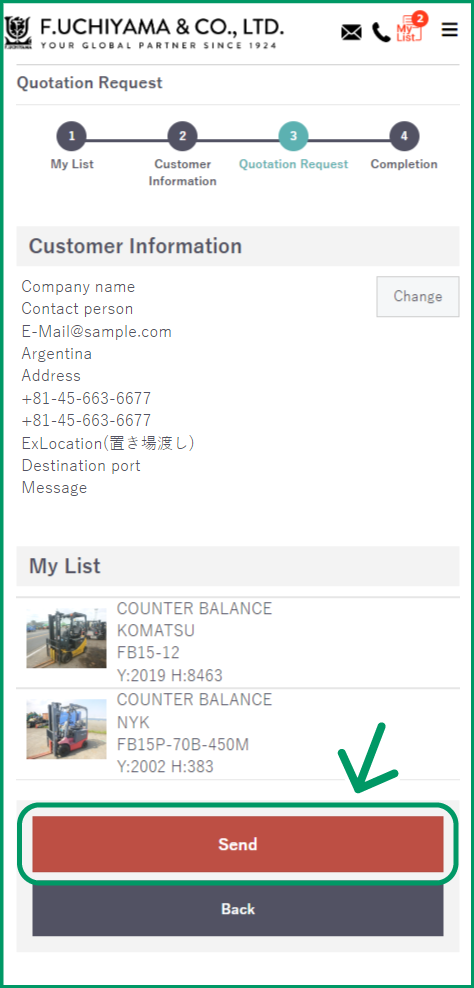
-
 Wait for Our QuotationWe will prepare your quotation and email it to you, usually within two business days. After reviewing your quotation, simply reply to our email to place your order or ask any questions.
 -
 Confirm Your OrderIf you wish to proceed, simply reply to our email to confirm your order. We will then issue and send you a Proforma Invoice.